Quick answer: open the folder that contains your
index.html, select all the files and folders inside it, and compress that selection — not the folder itself. The resulting ZIP hasindex.htmlat its root, which is the only structural rule a ZIP to APK build enforces. Keep all paths relative, load scripts withouttype="module", and leave outnode_modules,.gitand source files.
The layout
Any layout works as long as index.html is at the root. A typical one:
index.html          ← required, at the root
about.html
css/
  style.css
js/
  app.js
images/
  logo.png
  hero.webp
fonts/
  inter.woff2
data/
  menu.json
Pages in sub-folders (pages/contact.html) are fine; they link back up with ../index.html. There is no limit on depth or file count, only on total unpacked size: 5 MB on the free tier, 18 MB with Pro.
Compressing on each system
Windows
Open the site folder. Press Ctrl+A to select everything, right-click the selection, and choose Compress to ZIP file (Windows 11) or Send to → Compressed (zipped) folder (Windows 10). Rename the result. Do not right-click the folder in its parent directory — that wraps everything in a folder.
macOS
Open the site folder in Finder. Cmd+A, right-click, Compress N Items. Finder names it Archive.zip; rename it. Finder also adds a __MACOSX folder and .DS_Store files; they are harmless but the checker will mention them. To avoid them, use Terminal from inside the folder:
cd ~/Sites/my-app
zip -r ../my-app.zip . -x ".*" -x "__MACOSX*" -x "*/.*"
Linux
cd ~/sites/my-app
zip -r ../my-app.zip .
Or skip all of that
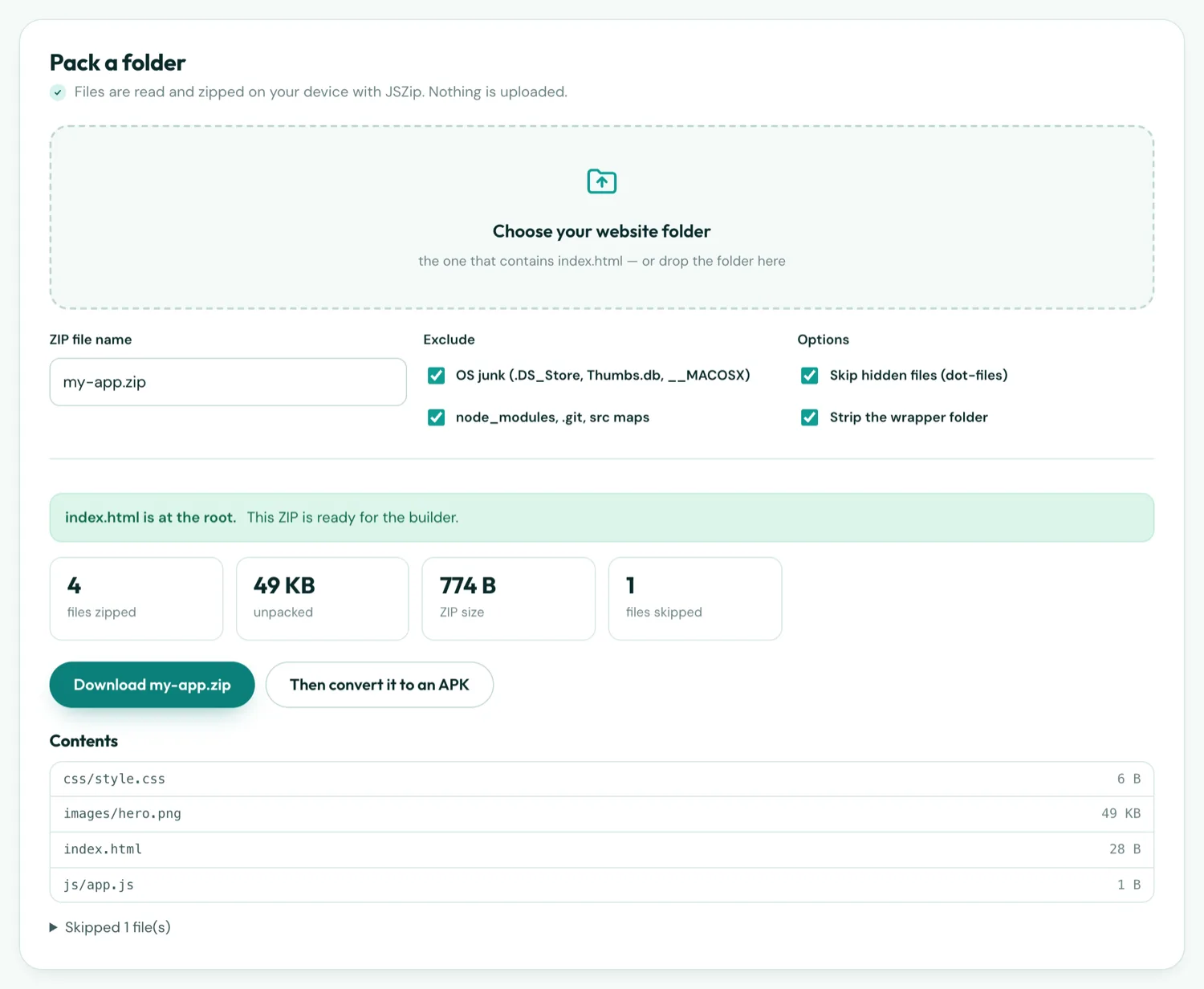
The Folder to ZIP tool takes the folder, strips the wrapper, excludes the junk and gives you a correct archive on any system:
Three habits that make it convert first time
1. Relative paths
Write css/style.css, never /css/style.css. Inside the app there is no domain root for a leading slash to refer to; a relative path resolves from the page's own folder and works identically on the web and in the APK. From a page in a sub-folder, go up with ../. If the site already uses absolute paths, the Absolute Path Fixer rewrites them.
2. Classic scripts
<script src="js/app.js"></script> works. <script type="module" src="js/app.js"></script> does not — module scripts are subject to CORS and the app's bundled pages have no origin, so the browser engine refuses to run them and the page stays blank. If your code uses import, bundle it to a single classic file first (every bundler can), then load that.
3. No server assumptions
There is no server inside an APK. Links like /about that rely on a rewrite to about.html will not resolve; write about.html. fetch('data/menu.json') is blocked on bundled pages by Chrome's file-access rules; put the JSON in a script that assigns a variable instead. PHP, server-side includes and form handlers do not run — the pages have to be static.
What to leave out
node_modules/,.git/,src/for framework projects — zipdist/orbuild/only*.mapsource maps.DS_Store,Thumbs.db,__MACOSX/- Design sources (
.psd,.fig,.sketch), READMEs, licences - Uncompressed originals of images you already export as WebP
None of these break the build; they just spend the size limit on files the app never opens. The size estimator shows what each type costs.
Checklist
- Compress the folder's contents, so index.html is at the root
- Relative paths only
- No module scripts, no server-side code, no fetch of local files
- Only the built output, no sources or dependencies
- Standard .zip, no password
- Under 5 MB free / 18 MB Pro unpacked